
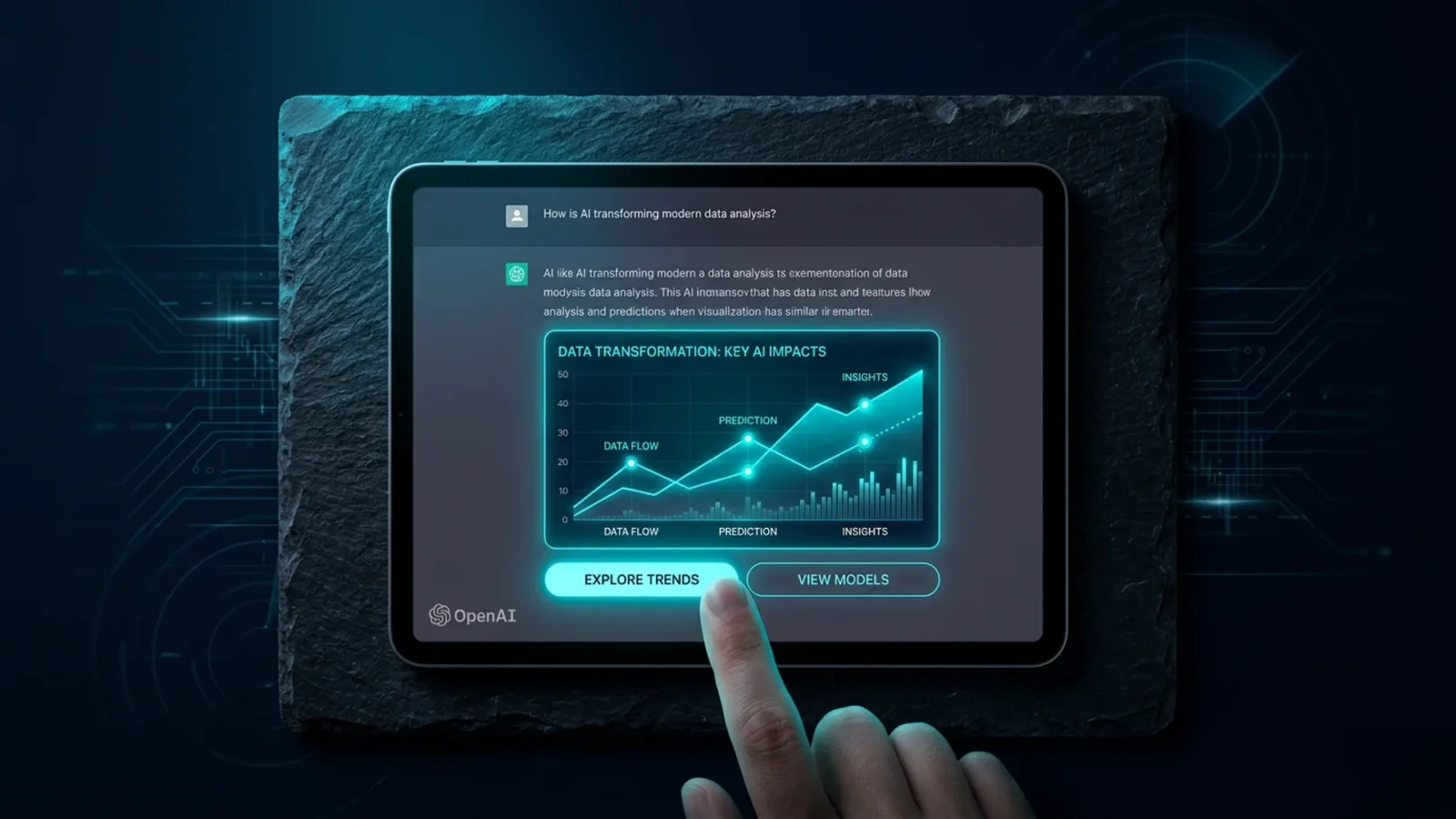
OpenAI began rolling out GPT-6 in ChatGPT on October 7, 2026, together with the feature that changes the experience most since the product launched: Intelligent UI. Instead of returning text alone, the model now decides the shape of the answer — and can build charts, buttons, forms, calculators and editable diagrams inside the conversation. Plus, Pro, Business and Enterprise got it first; Free and Go followed on October 8.
Quick answer: what is Intelligent UI?
It is GPT-6’s ability to choose how to present each answer. A comparison can come back side by side, an explanation can become an interactive diagram, a recipe can arrive with a prep timeline, and a calculation can turn into a working calculator right there. Simple questions still get plain text — the model was trained to assemble text, visuals and interactive elements based on the question.
Who got what
| Plan | Model | When |
|---|---|---|
| Plus, Pro, Business, Enterprise | GPT-6 Sol | October 7 |
| Free and Go | GPT-6 Luna | October 8 |
| Work and Codex | No model change | — |
On Enterprise, access depends on workspace admin settings. OpenAI also says GPT-6 Instant starts answering web search questions 44% sooner than GPT-5.6 Instant.
Why this is bigger than it looks
Since 2022 the chat interface has been the same: you write, it writes back. Intelligent UI breaks that symmetry. When the assistant can generate a tool instead of a paragraph, it stops competing only with the search box and starts competing with an entire layer of small applications — bill splitters, converters, simple spreadsheets, product comparators.
For anyone publishing on the web, the effect is direct and familiar: one more reason for the user never to leave the conversation. It is the AI Overviews move, now with interactivity.
Why this matters
Three practical actions. If you are on the free plan, check which model is active — the rollout is gradual and OpenAI’s own documentation lagged behind the change. If you publish content, assume that comparisons, calculators and simple tables are no longer a differentiator: what sustains traffic is what AI cannot generate on its own — reporting, your own testing and data verified at the source.
And if you build software, note that Work and Codex did not change models: GPT-6 reached the consumer before it reached the workflow.
The move also sets up an argument that has not happened yet. If an answer can carry a working form or calculator, the assistant starts holding interactions that used to belong to a website — a booking, a quote, a configuration. Nobody has resolved who owns that interaction, who is liable when the generated tool gets a number wrong, or how a business appears inside it. OpenAI shipped the capability first and left those questions open, exactly as Google did with AI Overviews.
For now the practical advice is narrow: treat generated calculators and charts as drafts, not sources. The model composes the interface, but the numbers inside it come from the same place every other answer does — and they carry the same risk of being confidently wrong.
Frequently asked questions
Is GPT-6 available on the free plan?
Yes. Free and Go users began receiving GPT-6 Luna on October 8, 2026. Paid plans use GPT-6 Sol.
What does Intelligent UI do in practice?
It lets an answer include charts, buttons, forms, calculators and editable diagrams instead of plain running text.
Do I need to turn anything on?
No. The rollout is automatic in the Chat tab, and on Enterprise it depends on the workspace administrator’s settings.
Did Codex change too?
No. OpenAI kept the models behind Work and Codex unchanged in this release.
At DigitalRadar, we translate what changes in the tool you already use. Stay on the radar.

Related
Trump Creates Super Intelligence Force, an AI Task Force With 120 Days
The US president announced on October 4 the creation of the Super Intelligence Force, a federal artificial intelligence task force chaired by…
Google, OpenAI and Anthropic Are Building Their Own AI Standards Agency
The three biggest Western AI companies agreed to create their own regulator, modeled on Wall Street's FINRA, to set standards and test…

Brazil passes comprehensive AI Bill with strict risk tiers and copyrights
The National Congress of Brazil completed the final vote on Bill No. 2338/2023 on Tuesday, September 22, 2026, officially enacting the National…