
The Brevo Attack Spread Malware to 100,000 Sites in 4 Hours: What to Do Now
 by Lucas Almeida
4 min read
by Lucas Almeida
4 min read
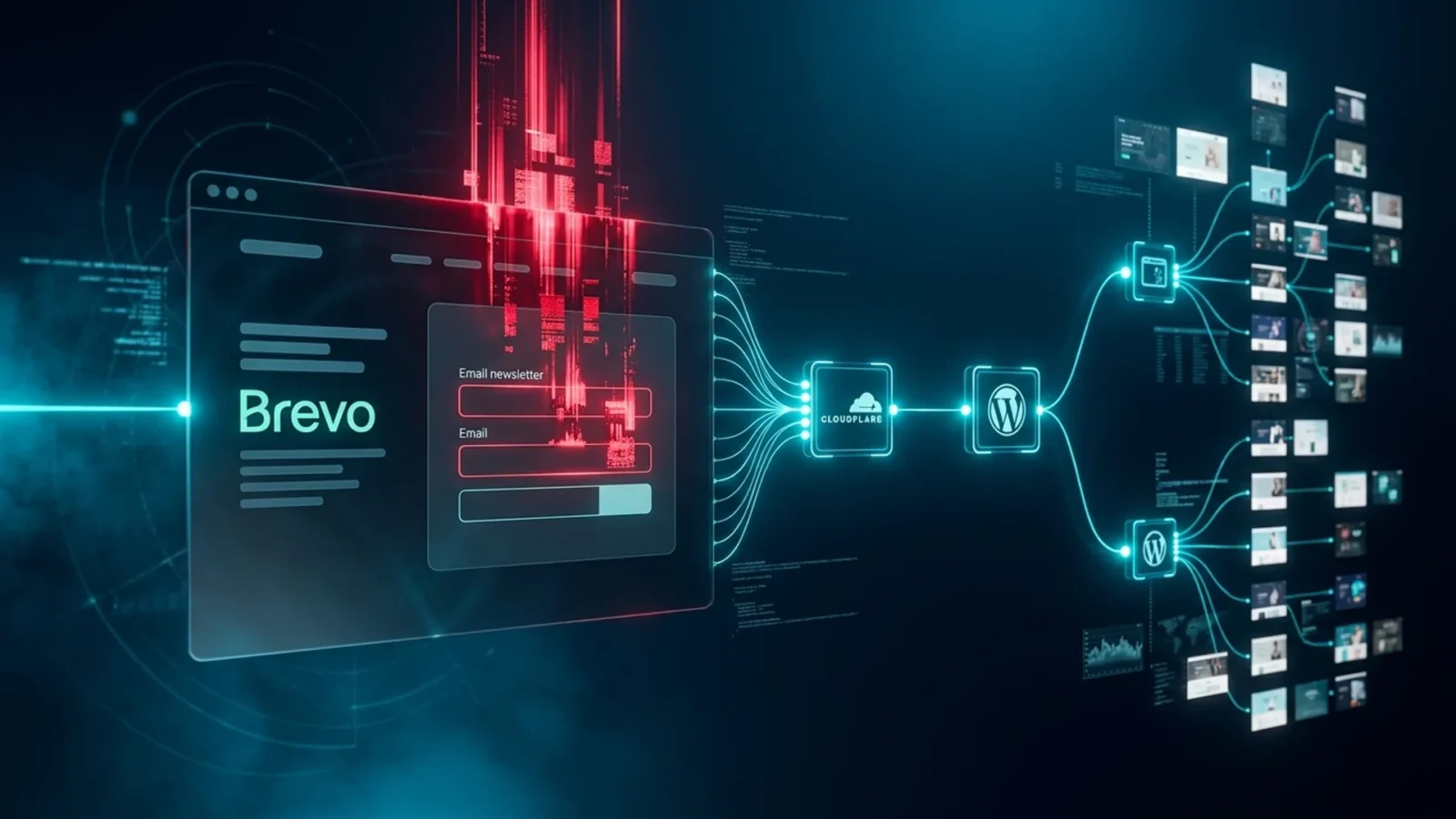
If your website uses Brevo (formerly Sendinblue) for forms, chat or email automation, you need to read this. On September 14, 2026, attackers stole one of the company’s Cloudflare API keys and used it to inject malicious code into the scripts embedded on customer websites — forms, the Conversations widget and the SDK loader. For roughly four hours, up to 100,000 sites served malware to visitors and a backdoor plugin to logged-in WordPress administrators. Brevo confirmed the incident on September 18; the files have been clean since the 15th. What remains is homework for everyone in marketing.
Quick answer: what happened?
With the stolen key, attackers created a malicious Cloudflare Worker that altered content at the edge of Brevo’s CDN between 16:05 and 20:12 UTC on September 14. The modified scripts showed a fake CAPTCHA (the “ClickFix” scam) that tricked visitors into running a command on their own computer and, for logged-in WordPress admins, installed a malicious plugin with a persistent backdoor. Security firm Sansec estimated up to 100,000 affected sites. All malicious subdomains stopped resolving on September 15.
Timeline
| When | What happened |
|---|---|
| Sept 14, 16:05 UTC | Malicious Worker starts serving altered code in Brevo scripts |
| Sept 14, 20:12 UTC | Malicious code stops being served (~4 hours of exposure) |
| Sept 15 | Malicious subdomains stop resolving; Brevo files clean |
| Sept 18 | Brevo confirms the stolen Cloudflare API key and the attack vector |
Who was hit and how
Website visitors
Anyone who visited a site with a Brevo form or chat during that window could see a fake “verify you are human” prompt asking them to paste and run a command — the classic ClickFix, which installs credential-stealing malware. Nothing happened to those who simply closed the page.
WordPress administrators
The most valuable target: if you were logged into the WordPress dashboard and opened a page of your own site with the Brevo script, the code tried to install a malicious plugin with a backdoor. This is the case that requires action today, because the backdoor survives Brevo’s cleanup.
Checklist for Brevo users (or anyone with third-party scripts)
- WordPress: list your plugins and look for anything installed on September 14 or 15 that you do not recognize. Remove it. Check for admin users created on those dates.
- Rotate passwords and keys: WP dashboard, FTP/SFTP and, above all, your Brevo API keys (revoke and regenerate).
- Run a scanner (Wordfence, Sucuri or your host’s) for files modified on the 14th and 15th.
- Alert your team: anyone who saw a CAPTCHA asking them to “paste a command” should change passwords and run antivirus.
- Reduce third-party scripts: every embedded widget is a door. A native form plus an API integration is safer than a hosted script.
- Enable CSP and SRI (Content Security Policy and Subresource Integrity) where possible — SRI would have blocked the altered script.
Why this matters to you
Digital marketing today is built on third-party scripts: forms, chat, pixels, tag managers. The Brevo case shows the weakest link is not your site but your vendor — and that four hours are enough to reach 100,000 domains. Brevo is one of the most widely used platforms among small businesses, so the odds that you or a client have a site on the list are real. The good sign: the company detected and cleaned up in under a day. The bad one: the WordPress backdoor stays wherever it was installed until someone removes it.
Frequently asked questions
What was the Brevo attack?
A supply-chain attack on September 14, 2026: using a stolen Cloudflare API key, attackers altered Brevo scripts embedded on customer sites for about four hours, serving ClickFix malware and a WordPress backdoor plugin to up to 100,000 sites.
Is my Brevo-powered site still infected?
Brevo’s scripts have been clean since September 15. The remaining risk is a backdoor plugin installed on WordPress if a logged-in admin opened the site during the attack — check plugins and users created on the 14th and 15th.
Do I need to rotate my Brevo API key?
Yes, as a precaution: revoke existing keys and generate new ones, and change your WordPress and server access passwords.
At DigitalRadar, we translate security for marketers. Stay on the radar so you do not miss the next alert.
Related
SEO in 2026: AI Mode in the Chrome Bar, Shopping Inside AI and How to Adapt
Google put AI Mode in the Chrome address bar, is testing ads with direct checkout inside AI answers and ran a spam…

Google Ads Auto-Upgrades Search Campaigns to AI Max in September: What to Do
From September 1 to 30, Google Ads is automatically moving Search campaigns that use campaign-level broad match or automatically created assets to…

Generative AI in creative work: how to use it in your favor (without fear)
Generative AI is now a daily tool in creative work. See how to use AI for productivity without losing your authorship and…