
Windows 11 26H2 Lands With Cloud Backup and Drops the Snapdragon 850
 by Lucas Almeida
3 min read
by Lucas Almeida
3 min read
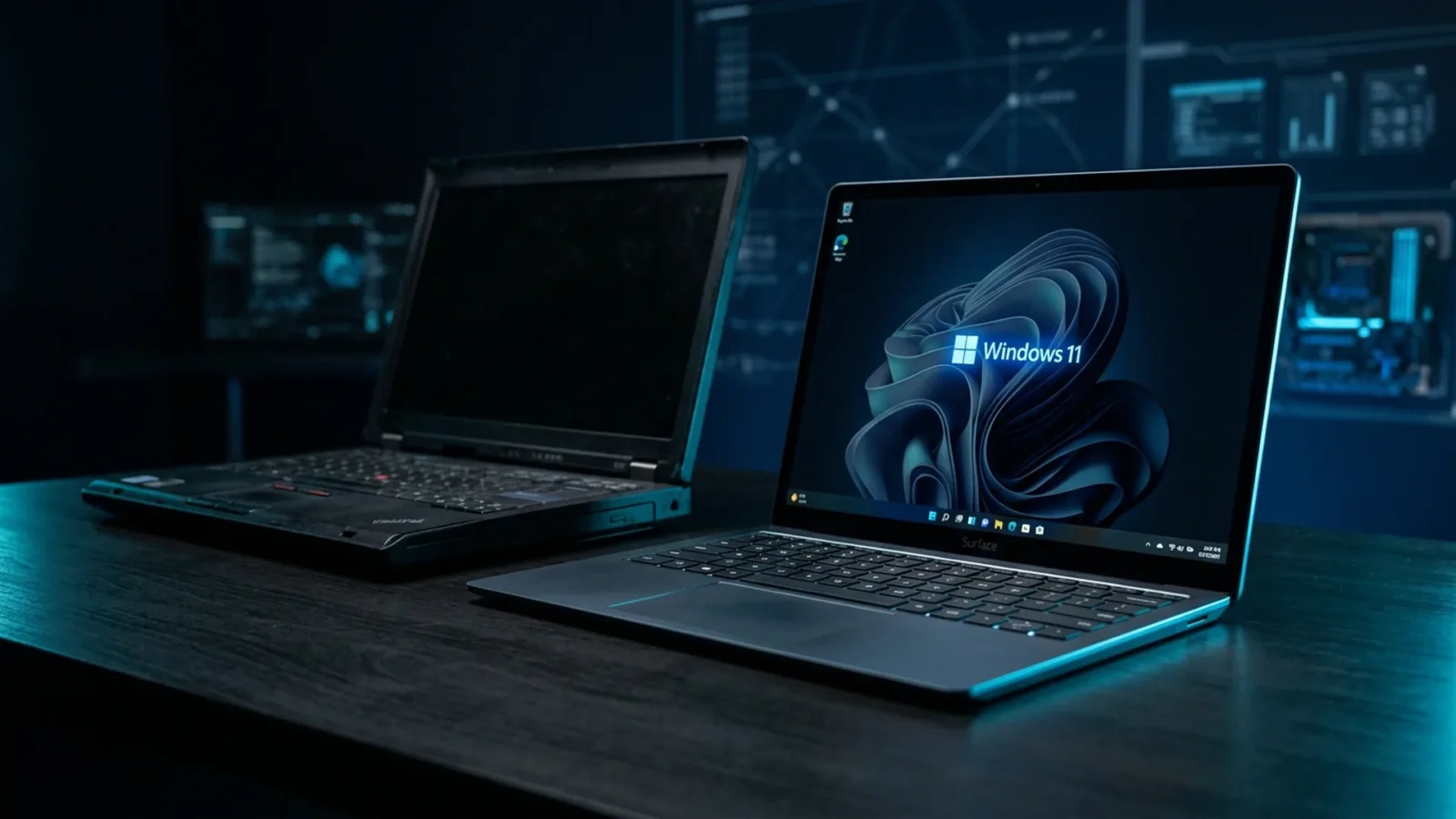
The annual Windows 11 update has landed. Version 26H2, also called the “Windows 11 2026 Update,” became available to everyone on September 29, 2026. It is not a visual leap — Microsoft has been shipping features throughout the year — but it brings three useful additions (automatic cloud backup, an AI-powered File Explorer and an agent in Settings), extends support by another 24 months and marks the end of the line for a category of PCs: those running the Snapdragon 850.
Quick answer: should you install it?
Yes. 26H2 resets the support clock: 24 months on Home and Pro editions, 36 months on business editions, with an end date of October 10, 2028. The headline features are automatic backup of settings, the Microsoft Store app list and some personal files; a File Explorer with AI document summaries and support for more archive formats; and an agent in Settings that finds options via natural language. If you own a Snapdragon 850 PC, install it — this is the last compatible version.
What changes day to day
| Feature | What it does |
|---|---|
| Automatic cloud backup | Saves Windows settings, your Microsoft Store app list and some personal files — restores everything when you switch PCs |
| AI File Explorer | Summarizes documents, opens more archive formats and offers productivity actions without leaving the window |
| Agent in Settings | You describe what you want (“turn off game notifications”) and it finds the control |
| Extended support | +24 months (Home/Pro) or +36 months (business), through October 10, 2028 |
End of the line for the Snapdragon 850
Microsoft confirmed that 26H2 is the last Windows 11 release compatible with PCs powered by the Qualcomm Snapdragon 850. Launched in 2018, it was one of the first Arm chips to run Windows and paved the way for today’s Snapdragon X family. If you own one of these devices — thin laptops from 2018 to 2020, such as some Lenovo Yoga and Samsung Galaxy Book models — install 26H2 to secure security updates through October 10, 2028. From version 27H2 onward, those PCs receive nothing.
How to check whether your PC is affected
Open Settings → System → About and look at the processor. If it says “Snapdragon 850,” install 26H2 now and plan a replacement before October 2028.
How to install
- Open Settings → Windows Update and click “Check for updates.”
- If 26H2 appears as an optional update, click “Download and install.”
- Back up first (the new feature helps, but an external backup is safer).
- Set aside 20 to 40 minutes and restart when prompted.
As with every annual release, it is worth waiting a week or two if the PC is your work machine — Microsoft had to ship an emergency fix after September’s record Patch Tuesday, which patched roughly a thousand vulnerabilities.
Why this matters to you
If your PC fleet skews older, the Snapdragon 850 news is a deadline alert: 2028 sounds far away, but it is exactly the time you need to plan a purchase. For professional users, automatic cloud backup is the feature that saves the most time when switching machines. And for businesses, the 36 months of support on enterprise editions buy room to standardize the fleet without rushing.
Frequently asked questions
When was Windows 11 26H2 released?
On September 29, 2026, with general availability from October. It is the annual update known as the “Windows 11 2026 Update.”
Which PCs lose support?
Those powered by the Qualcomm Snapdragon 850. 26H2 is the last compatible version, with security updates through October 10, 2028.
Is 26H2 a big update?
Not in features — Microsoft had already shipped many of them during the year. The main gains are automatic backup, the AI File Explorer, the Settings agent and the renewed support window.
At DigitalRadar, we translate Windows updates into everyday terms. Stay on the radar so you do not miss the next one.
Related

Nvidia unveils GeForce RTX 5090 Blackwell with 32GB GDDR7 and DLSS 4
Nvidia brought months of enthusiast hardware anticipation to a crescendo on the morning of September 22, 2026, by formally publishing the comprehensive…
Intel Nova Lake-S: Desktop CPUs with 3D Cache and 70 TOPS NPU for Local AI
Intel took the wraps off its flagship Core Ultra 300 series desktop architecture (codenamed Nova Lake-S) on September 21. Featuring 3D stacked…
Plugin4Shell: The Zero-Click Flaw in Claude Code, Codex, Copilot and Gemini CLI
Air Security disclosed Plugin4Shell: a plugin that looks hash-locked can run code on your PC with no click. Claude Code (2.1.179) and…